
Live inventoryEvery scan counts
✓
Every product. Every person. One clear workflow
Barcode every product.
Simplify every step.
Bring your stock, employees and drivers into one connected workspace. Make picking simpler, track every movement and give customers your own webshop to see available stock and place orders.
- Scan. Label. Pick.Barcode your products, print labels and simplify order picking.
- The right access for every role.Assign employees their responsibilities and set permissions for who can see which pages and use which tools. Keep each person focused on their work.
- From picking to delivery.Give your team a clear picking workflow and coordinate drivers as orders move to your customers.
- Your stock. Your webshop.Let customers see what’s available and order directly from you.
Modern tools for everyday work: phone scanning, handheld scanners, label printers and shop barcode readers.

Updated now
Everything connected
From the first barcode
to the final delivery.
Give every product a barcode and every team member a clear workflow. Connect receiving, picking, shop sales and online orders with tools your team can use every day.
01
INBOUND · TODAY128items received
✓ Confirmed
Receive without uncertainty.
Plan incoming stock, scan every item, assign its location and keep a clean record from the first delivery.
02
Scan faster, work lighter.
Use a handheld scanner or your phone camera. Tiqure keeps the quantity and location visible as you work.
See the flow →03
See where stock lives.
View warehouse, bin and shop stock clearly—before you promise it to a customer.
Explore visibility →Your business deserves its own front door
Sign up. Make it yours.
Open for online orders.
Register with Tiqure and get your own webshop link. Add your company logo, share your link or QR code, and let customers browse available stock and place orders online.
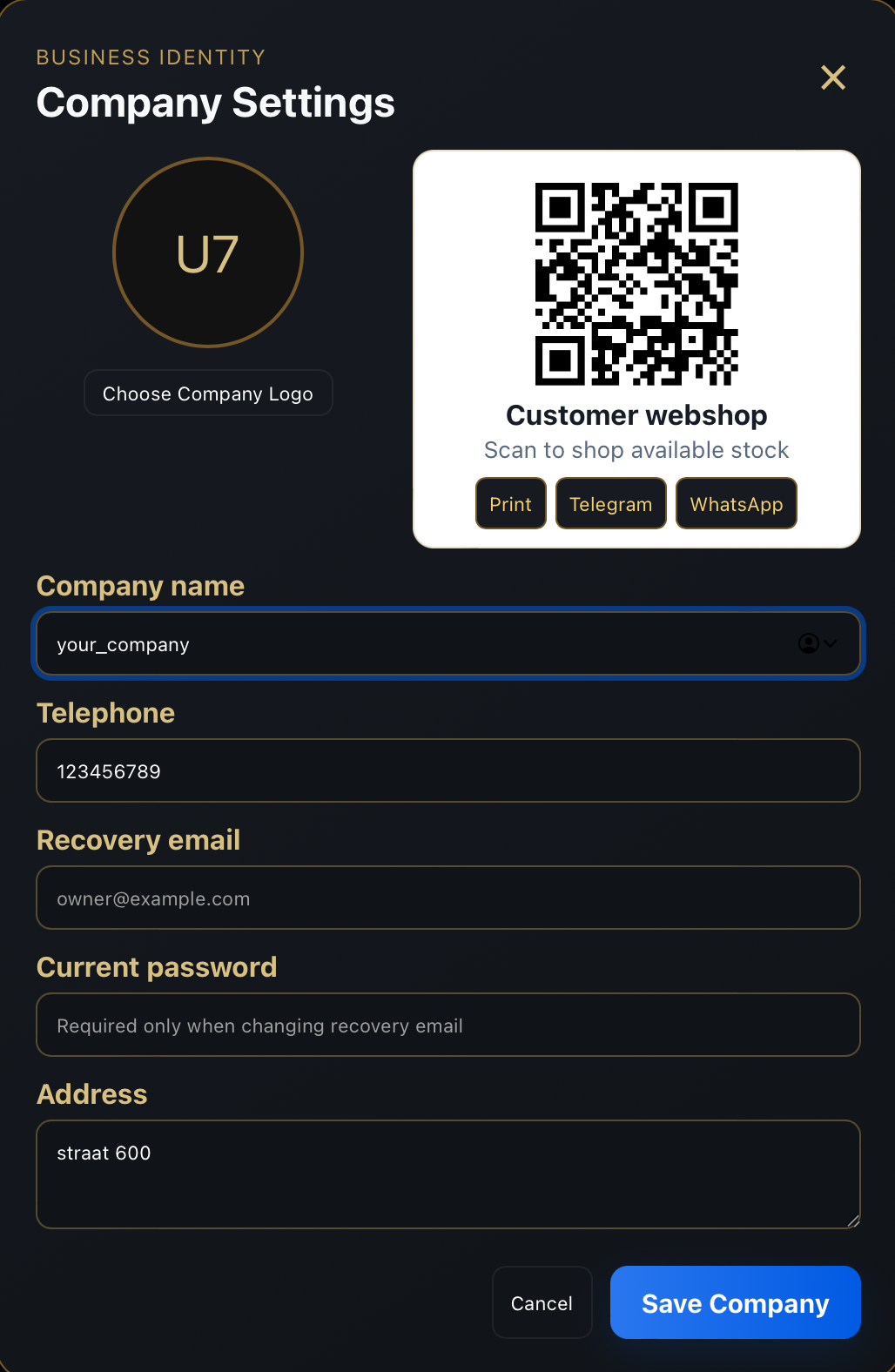
Add your logo once to personalise your webshop and supported printed business documents.
02 · YOUR ONLINE SHOP
A real shop. Real stock.
Your customers see what is available and send orders straight to your business.
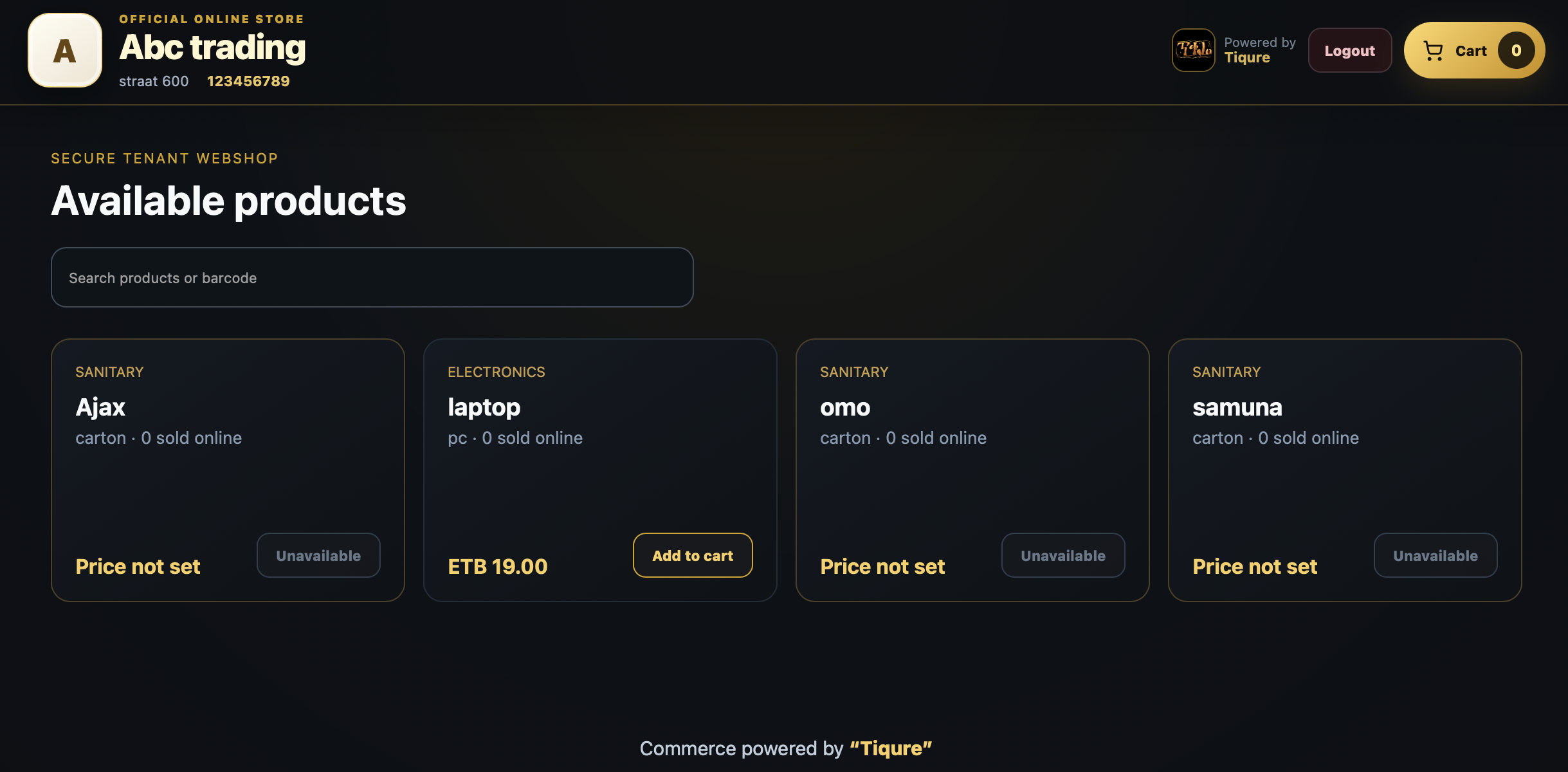
- Share your shop link or QR code.
- Let clients browse stock and place orders.
- Prepare, pick and deliver from one workspace.
Designed for the real floor
Use the tools
your team already trusts.
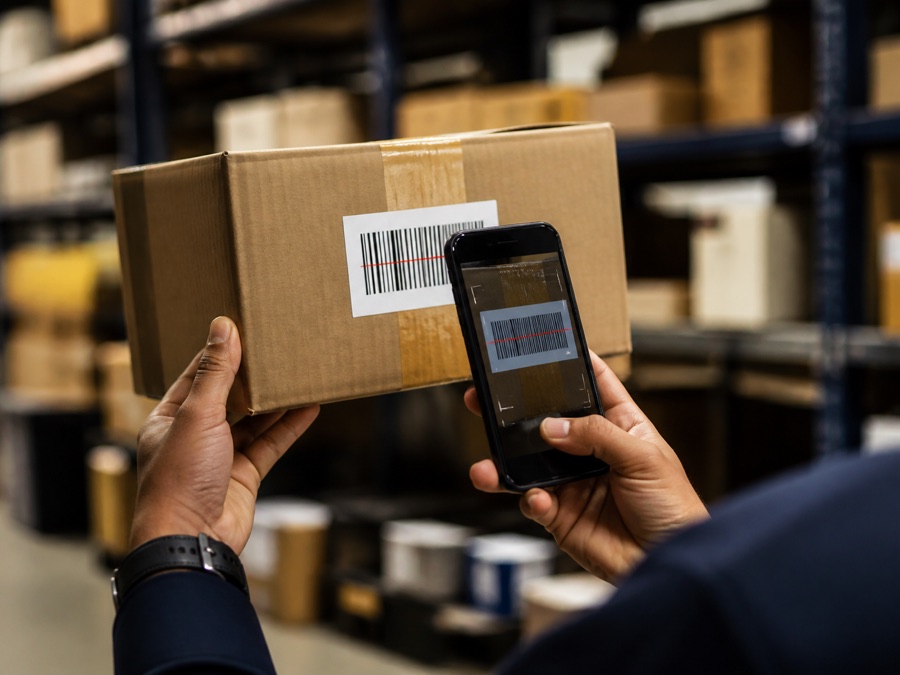
Phone camera
Scan barcodes with a mobile camera when a handheld scanner is not nearby.
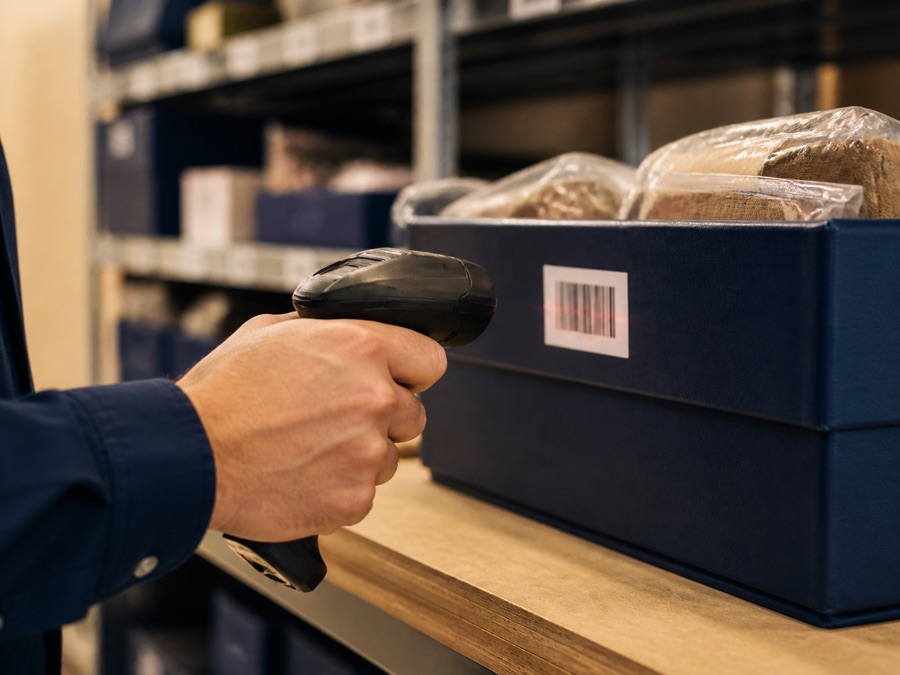
Scanner ready
Keep receiving and picking quick with a barcode reader or hand scanner.
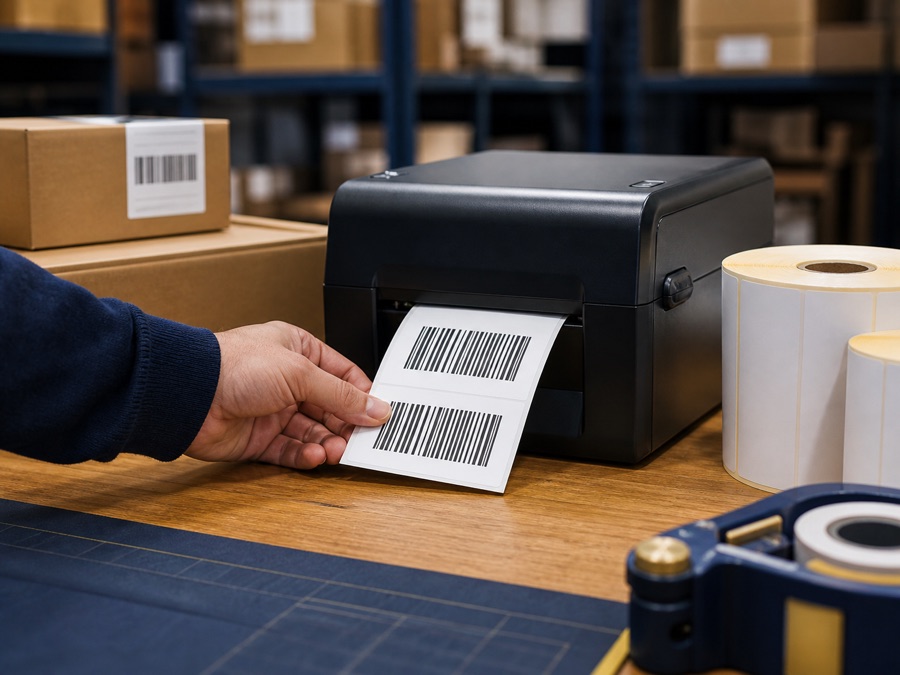
Print labels
Create clear product, location and package labels for your printer.
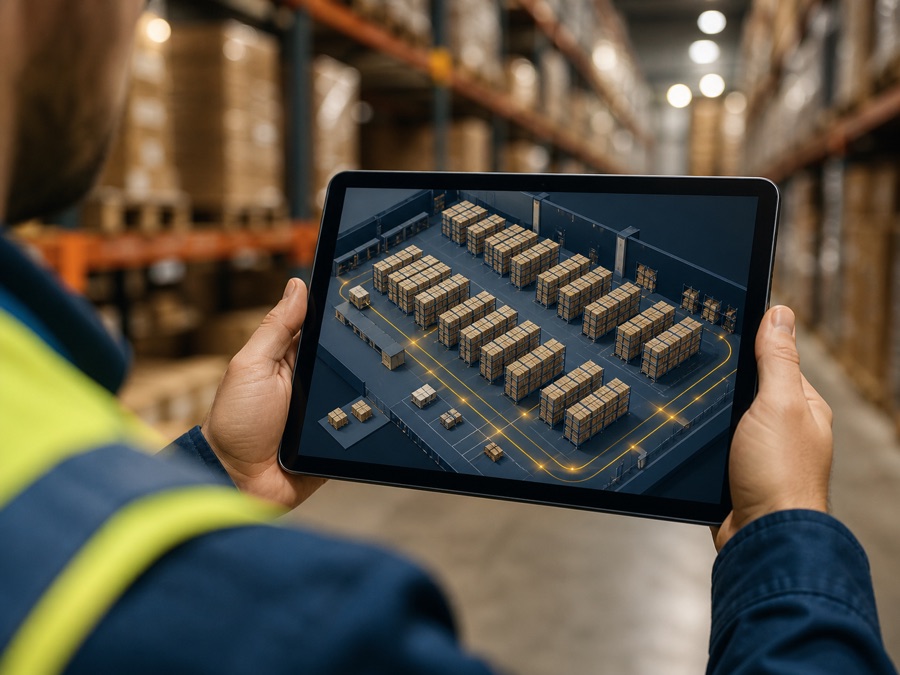
3D warehouse view
See warehouse locations and stock movement in one visual workspace.
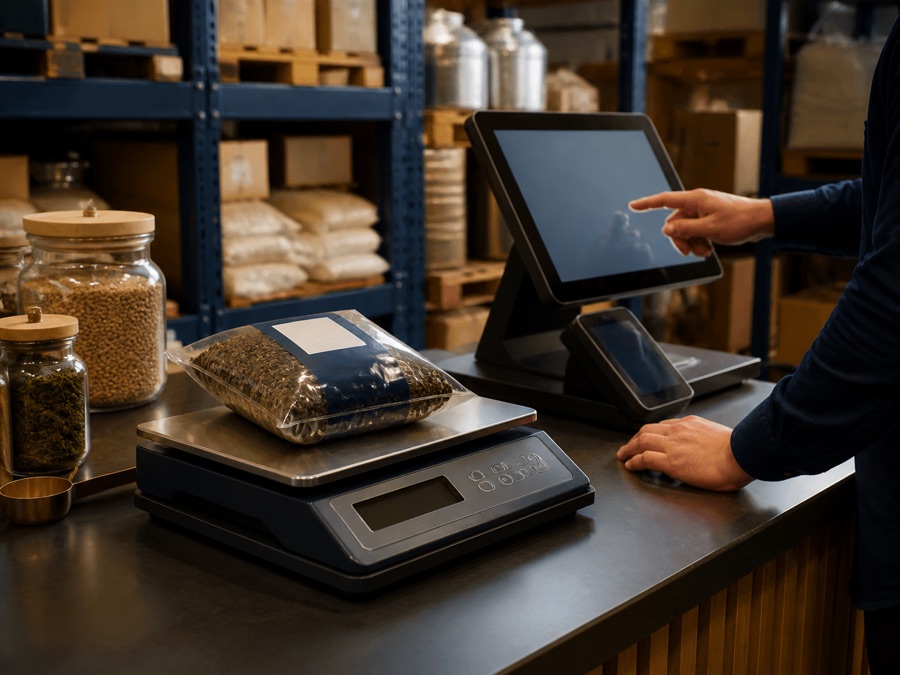
POS & weighing
Support practical counter workflows where stock, POS and weight matter.
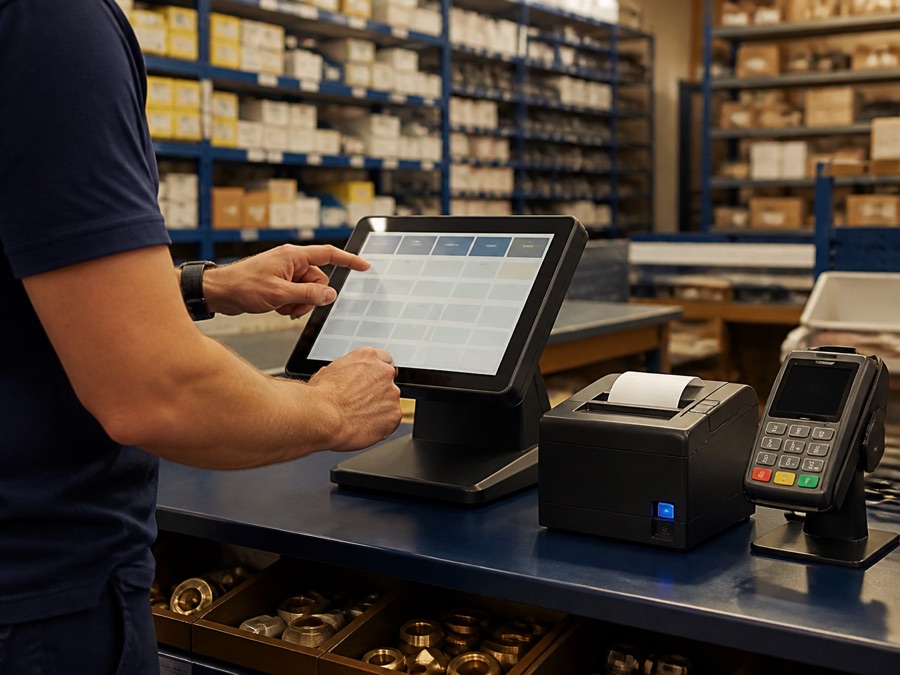
POS terminal
Take counter payments with a touchscreen, card reader and receipt printer.
Online orders
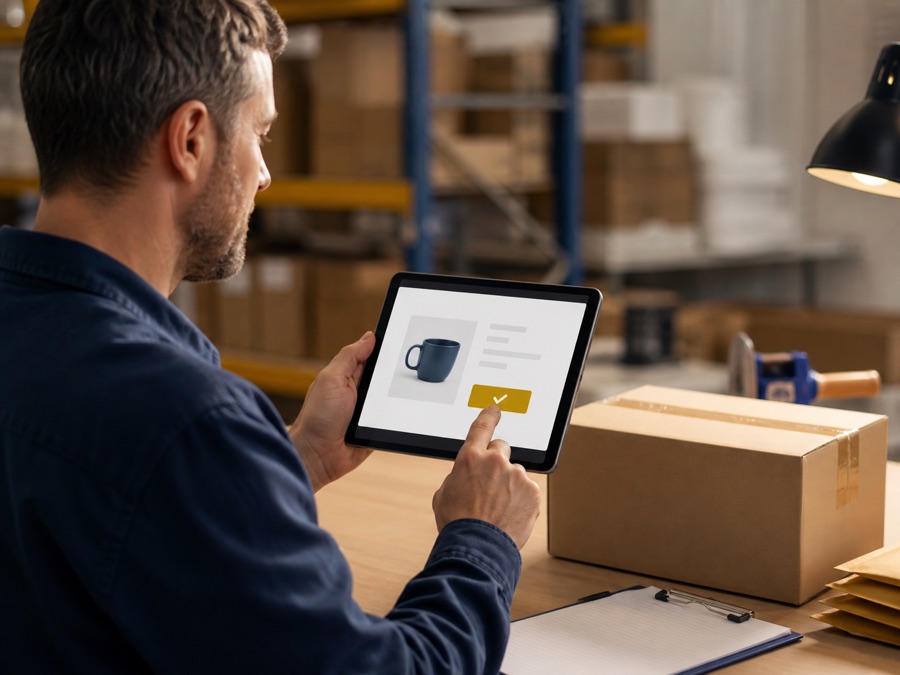
Receive and accept online orders, then prepare them for fulfilment.

Manage employees
Create employee accounts, give the right permissions and review who completed each operation.
Track deliveries
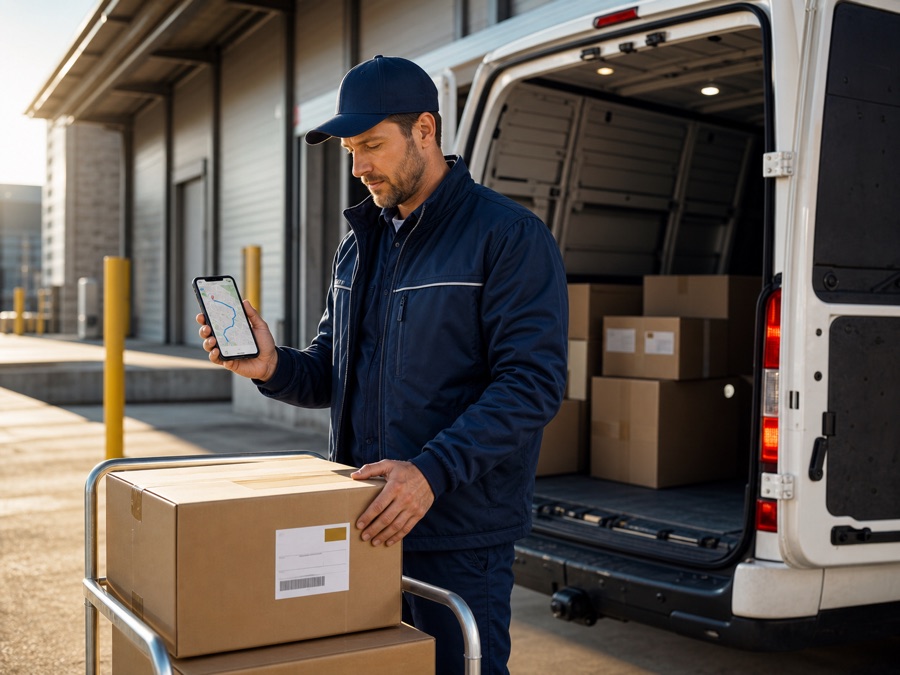
Create drivers, assign deliveries and follow each package until it reaches the customer.
POINT OF SALE
A faster checkout, connected to stock.
Scan a barcode, choose a product or weigh an item. Tiqure calculates the sale and updates shop stock as soon as checkout is complete.
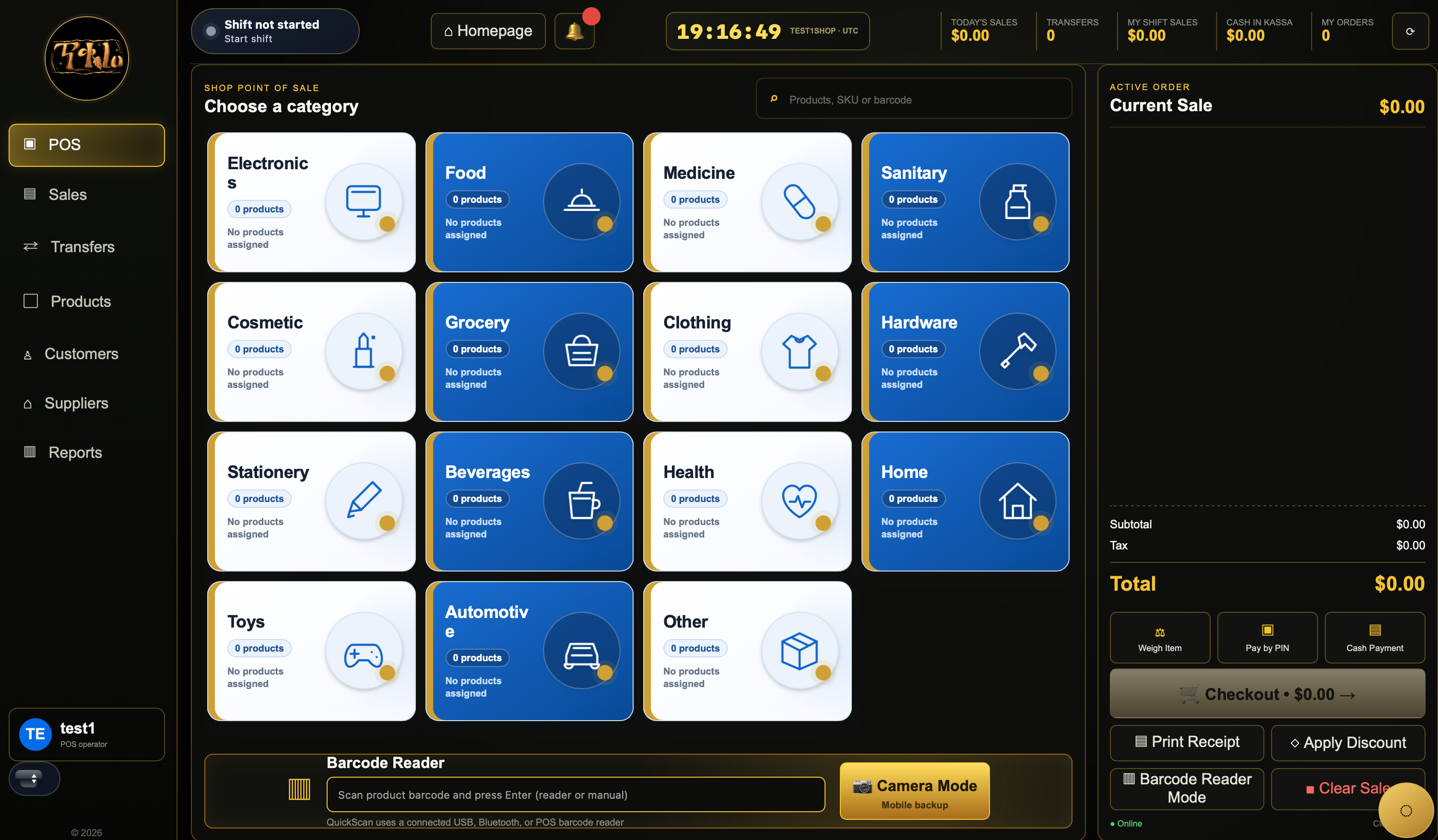 Real Tiqure POS · Tap to explore
POS terminal
Run a clear touchscreen checkout at every counter.
Weighing scale
Sell weighed products with the correct quantity and price.
Handheld scanner
Scan with a barcode reader or use the phone camera backup.
Shift control
Start shifts and follow cashier sales and activity.
Kassa & payments
Keep cash, PIN, discounts and checkout totals together.
Receipt printer
Finish the sale with a clear printed receipt for the customer.
3D warehouse control
Navigate the warehouse.
Find the exact bin.
Zone → Rack → Shelf → Bin
Rotate real warehouse racks, review occupancy and open any 48-bin shelf. The visual hierarchy follows the same location codes your team scans on the floor.
Open warehouse control ↗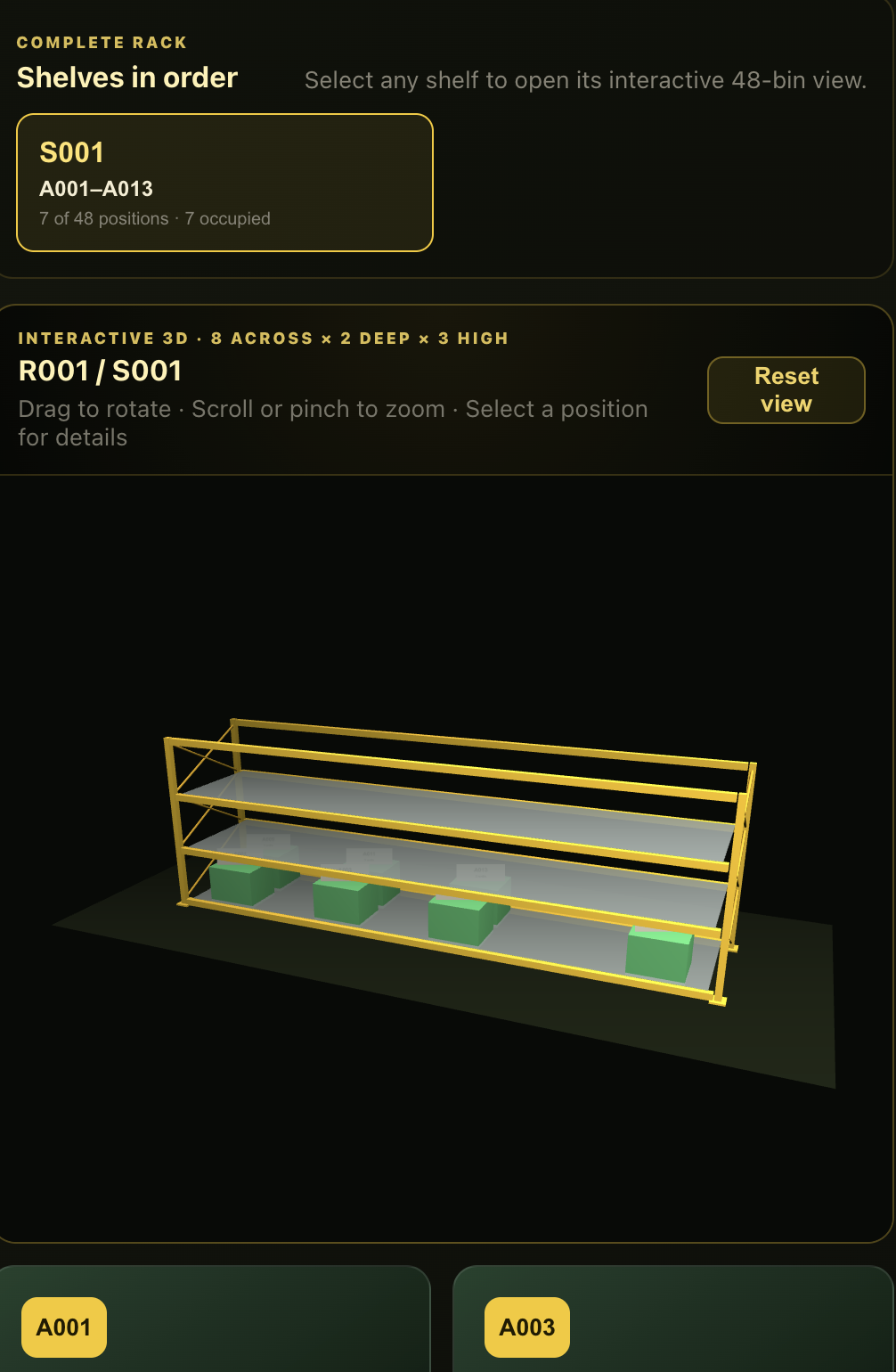
3D shop control
Walk the aisle.
Control every shelf.
Aisle → Shelf → Bin
Inspect both sides of a supermarket or pharmacy gondola, see quantities and select the exact retail bin used by receiving, transfers and selling.
Open shop control ↗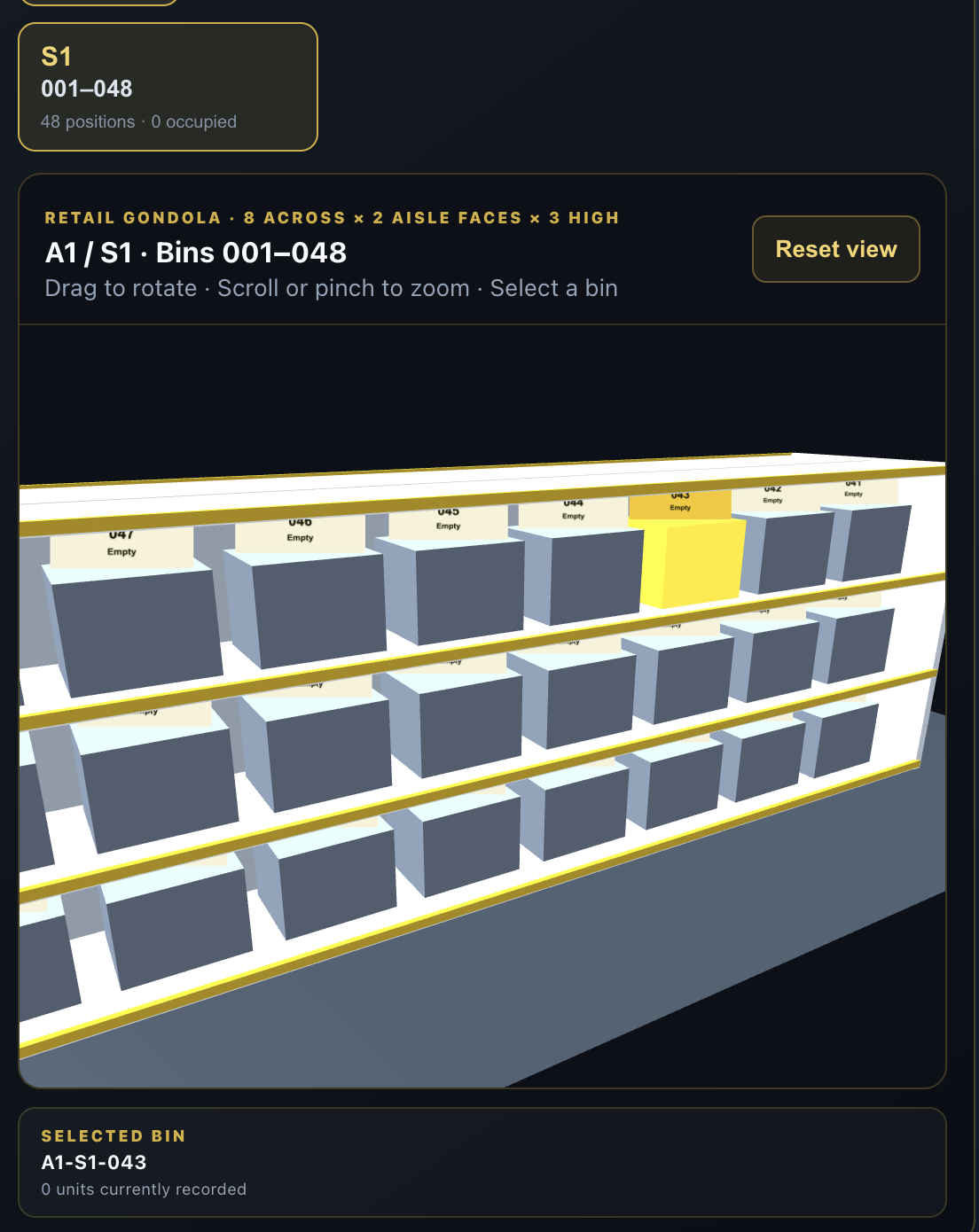
See Tiqure in action
One dashboard.
Your whole day.
Start your shift, move through stock, review orders and keep the next important action close at hand.
Open the workspace ↗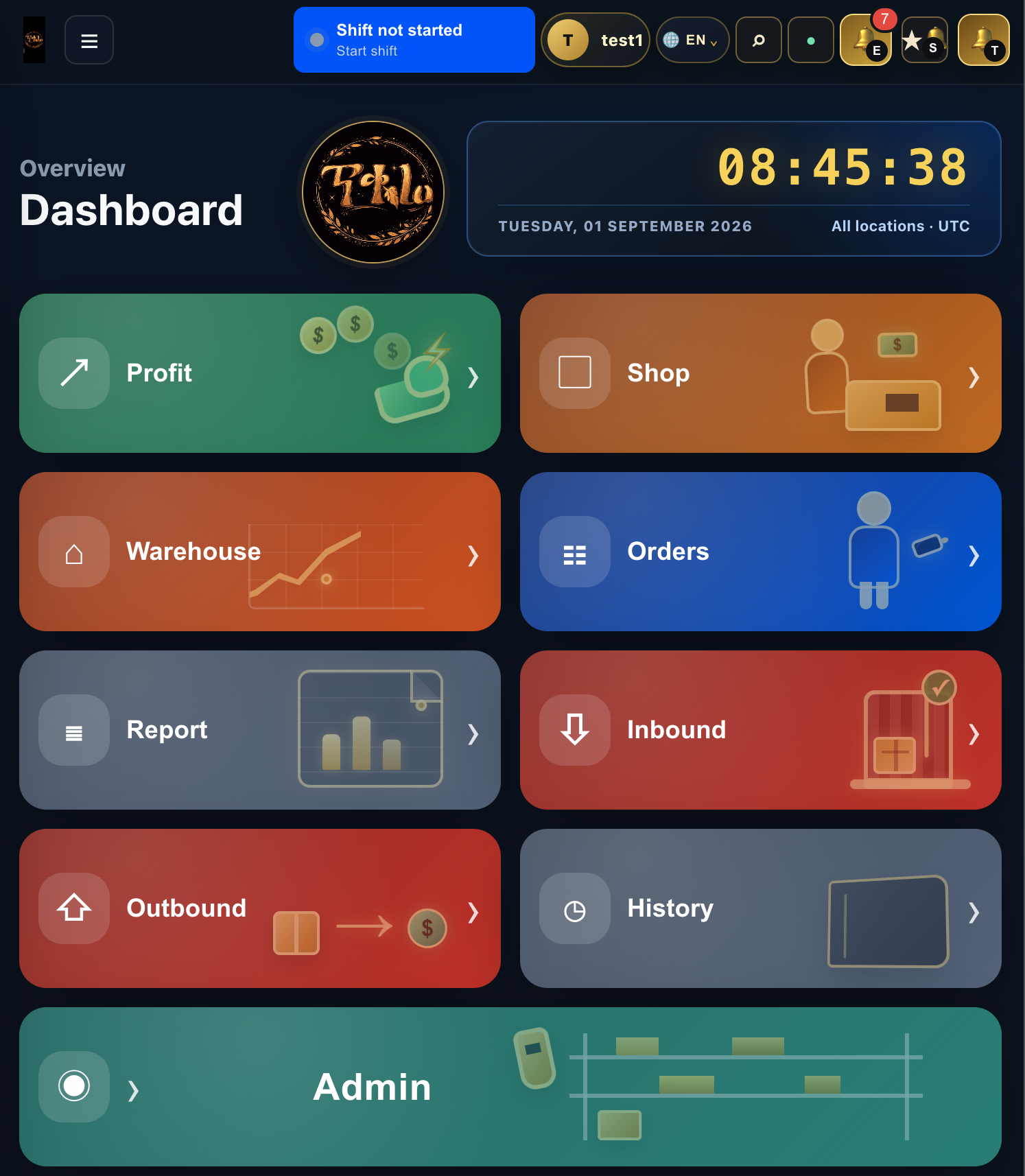
A clear daily flow
From delivery
to decision.
Every movement follows the same understandable path. Your team knows what to scan, where it belongs and what happens next.
See your workspace ↗-
01
Receive
Confirm products and place them in the right location.
-
02
Move
Transfer stock between warehouse, shop and customer.
-
03
Understand
Review activity, stock levels and profit with confidence.
Built for your next chapter
Your business, growing.
Your tools, ready.
Less time counting stock. More time serving customers. Choose your package and start with a 14-day trial.
Loading packages…
From your first sale to your next shop — keep stock, sales and deliveries moving together. Six-month and annual totals are paid upfront. Hardware and onsite services are priced separately.
Common questions
Answers to help you
get started.
Do I need special equipment to use Tiqure?
No. Tiqure works on any modern device—computer, tablet, or smartphone. You can scan barcodes using your phone camera or add a dedicated handheld scanner later as your team grows.
How long does it take to set up my workspace?
You can start in minutes. Create your account, add your first products, and begin scanning. Most teams are operational within an hour and fully trained within a few days.
Can my whole team use Tiqure at the same time?
Yes. Tiqure supports unlimited team members. You control who can access specific features through employee roles and permissions, so each person sees only what they need.
What if my internet goes down?
Tiqure works offline. Your team can keep scanning and moving stock. When your connection returns, all activity syncs automatically to your workspace.
Can I print barcodes and location labels?
Yes. Tiqure generates print-ready labels for products, locations, and packages. Use any printer—thermal or standard—to keep your warehouse organized and scannable.
How do I know if Tiqure is right for my business?
If you move stock between locations, track inventory, run a shop, or need to know what you have at a glance, Tiqure is built for you. Start free and explore your workspace.
Ready when you are